RAINBOW LOVE PHOTO
Rainbow Filters & Effects for Photos for iOS - Make Your Pics Pop!
Looking for our PHOTO → VIDEO app? Upload photos and add animated video rainbow effects - with Rainbow Video Clips App - Download Free - Only Pay For Exports
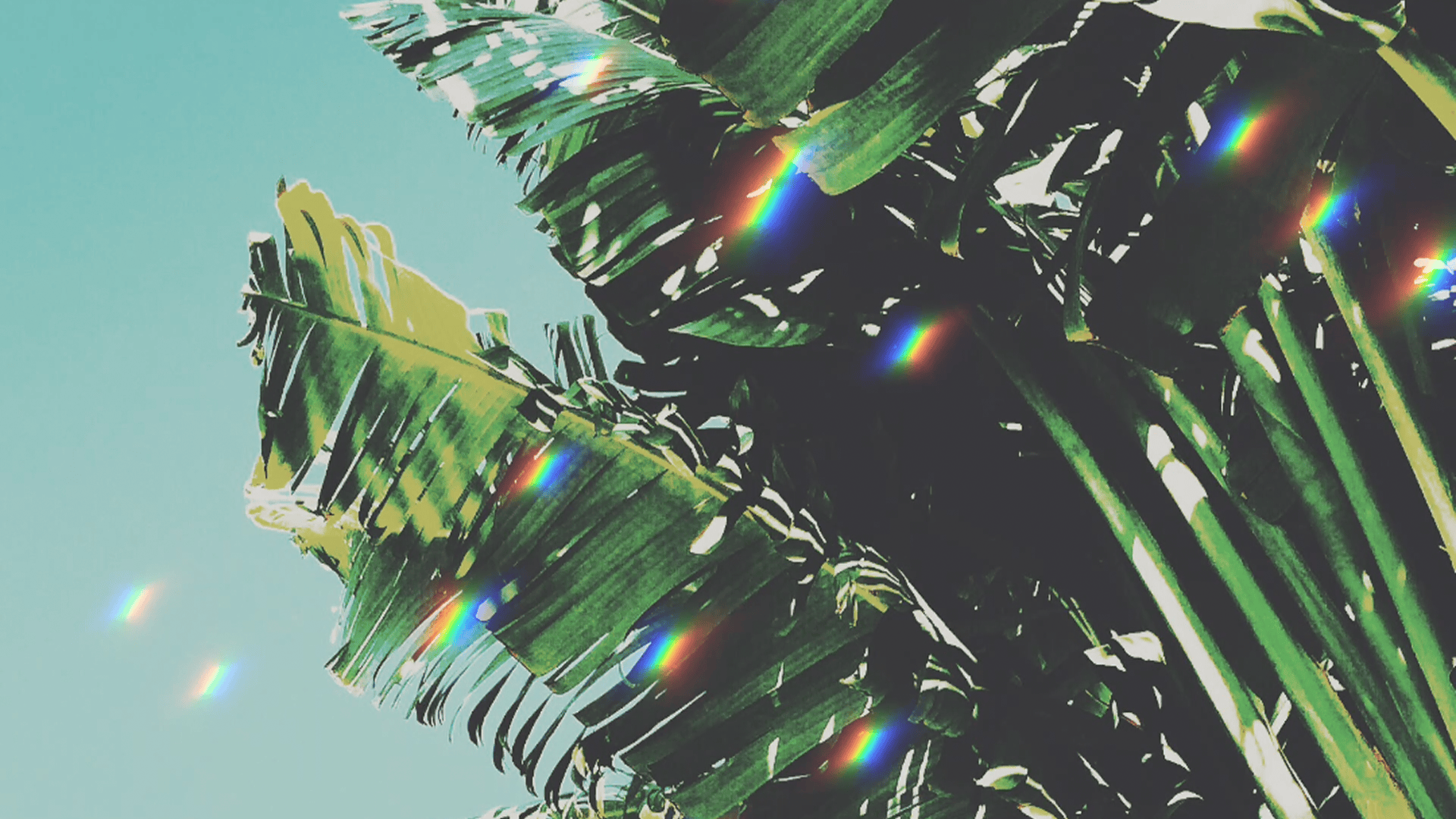
Updated January 2026 - Rainbow Love Photo (formerly Rainbow Love App) has been refreshed with a brand-new UX and new rainbow photo filters. Make your pics pop with vibrant colorful, rainbow filters for photos and easily create social-ready content. iOS only, Download Free
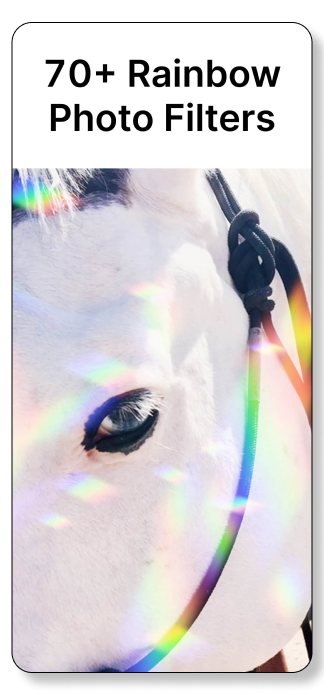
50+ Vibrant rainbow filters for photos
Flip, rotate and layer for colorful effects
Hi-res export as 16:9, 9:16, or 1:1 – perfect for social media & websites
Add unique rainbow effects to any photo in seconds
Create eye-catching visual fx – ideal for content creators and influencers
Ad-free, we do not collect user data
For photo to video with motion rainbow effects try Rainbow Video App.
RAINBOW PHOTO FILTERS WITH RAINBOW LOVE PHOTO
Colorful Rainbow Filters For Photos
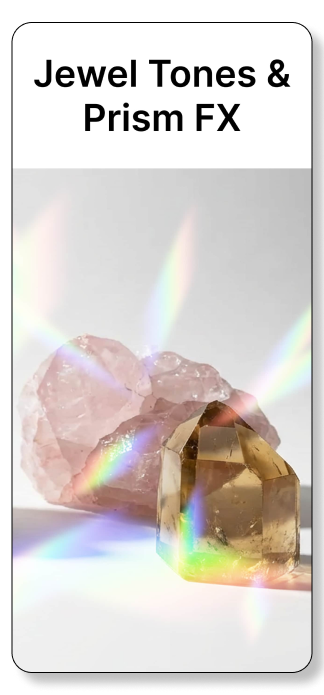


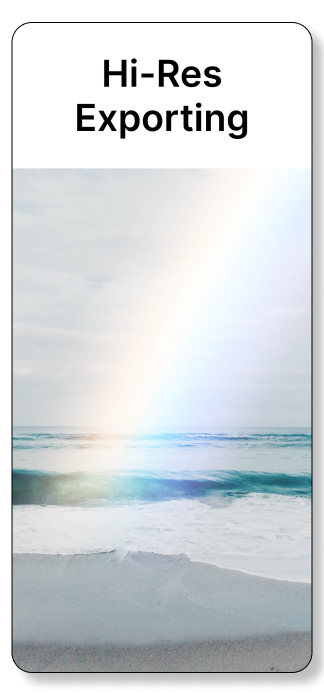
RAINBOW PHOTO FILTERS FOR IMAGES
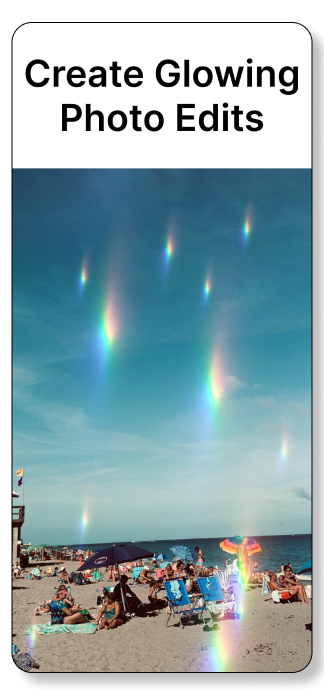
To add rainbow effects to photos, upload your image into a rainbow photo editing app like Rainbow Love Photo, then apply a rainbow filter. Adjust the exposure, rotate or flip the filter, and layer multiple filters to create colorful, custom effects. Once finished, export your photo and share it.
Step-by-Step: Adding Rainbow Photo Filters with Rainbow Love Photo
Upload your photo Open Rainbow Love Photo and choose an image from your camera roll.
Choose a layout Select 9:16, 16:9, or 1:1 to match your photo’s original aspect ratio.
Apply a rainbow filter Browse and add one of the app’s 60+ rainbow and color-inspired filters.
Adjust exposure Increase exposure for a softer look, or lower it to make rainbow colors more vibrant.
Layer, rotate, or flip filters Add multiple filters and rotate or flip them to create depth and unique blends.
Export your photo Unlock exporting to save your finished edit and share it on social media or the web.
TIPS FOR CREATIVE PHOTO EDITS WITH RAINBOW PHOTO FILTERS
PHOTO LAYOUT
Rainbow Love Photo lets you choose from three layout sizes: 9:16, 16:9, or 1:1.
For the best results, match your image’s original aspect ratio to the selected layout.
Recommended uses:
9:16 – Best for mobile photos, Stories, Reels, and social media
16:9 – Ideal for YouTube thumbnails and website graphics
1:1 – Great for social posts, product images, and web use
Using the correct layout helps preserve image quality and ensures rainbow filters appear crisp and balanced.
IMAGE EXPOSURE
Use the Exposure tool to control how bold your rainbow filters appear.
Increase exposure to soften filters and create a lighter, airy look
Decrease exposure to deepen colors and make rainbow effects more vibrant
Small exposure adjustments can dramatically change the mood of your final edit.
ROTATE, FLIP & LAYER RAINBOW FILTERS
Create unique, ethereal color effects by layering multiple rainbow filters.
Add one filter, then add another
Flip or rotate filters to change how they overlap
By layering filters they blend together and can create depth, glow effects and custom color patterns
Experimenting with layering allows you to create one-of-a-kind edits that feel dynamic, expressive and insanely coloful, in a good way.
FAQ
Rainbow Love Photo is an iOS app for adding rainbow filters to photos. Below are answers to common questions about rainbow filters and how they work.
1. How do I add a rainbow effect to photos on iPhone?
Open a photo in Rainbow Love Photo and select a rainbow filter to preview it. Layer multiple filters for unique effects. Tap to save the edited photo to your iPhone. For animated effects, use Rainbow Video Clips, which exports your photo as a short video.
2. What kinds of photos work best with rainbow filters?
Photos with good lighting, clear subjects, and minimal clutter work best. Popular edits include selfies, outdoor scenes, or product shots. All exports are high-resolution JPEGs optimized for social media and websites.
3. Can I apply rainbow effects to selfies and portraits?
Yes. Rainbow effects work on selfies, portraits, and other photos. Choose a layout (9:16, 16:9, 1:1) to match your original image for the best results.
4. Do edited photos save to my iPhone?
Yes. Edited photos are saved directly to your iPhone, ready to upload to social media or continue editing in other apps.
ABOUT RAINBOW LOVE PHOTO
Rainbow Love Photo was first launched in 2014 as Rainbow Love App, a rainbow-inspired photo editing app featuring filters, art, and text. In January 2026, the app was revamped and rebranded as Rainbow Love Photo, focusing exclusively on rainbow photo filters and a simpler, more modern editing experience.
Designed to make adding rainbow filters effortless, Rainbow Love Photo lets users apply 60+ vibrant, color-inspired rainbow filters to any photo. Filters can be layered, flipped, and rotated, making it easy to create colorful, expressive, and unique photo edits in just a few taps.
Rainbow Love Photo is free to download, allowing users to preview all rainbow filters before unlocking exporting via in-app purchase.
Learn about all our Rainbow Apps