RAINBOW VIDEO CLIPS
An iOS app for adding rainbow effects to photos or short videos
Updated January 2026 - Rainbow Video Clips (formerly Rainbow Love Deluxe) has been refreshed with a brand-new UX and over 50 animated rainbow video effects. Create stunning 15-second HD clips by layering, rotating, and flipping filters for vibrant, one-of-a-kind videos. This update makes it easier than ever to produce social media-ready rainbow video content right from your iPhone. Prefer editing photos? Try our Rainbow Photo App.
Rainbow Video Clips Features
iOS only, download free!
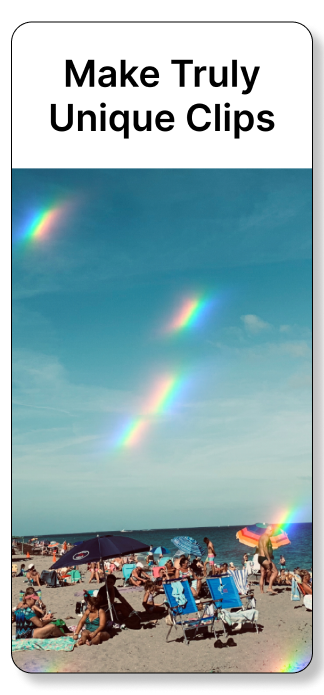
Add motion rainbow effects to photos or videos (15 secs or less)
Easy to use: Preview → Save filters → for content that pops!
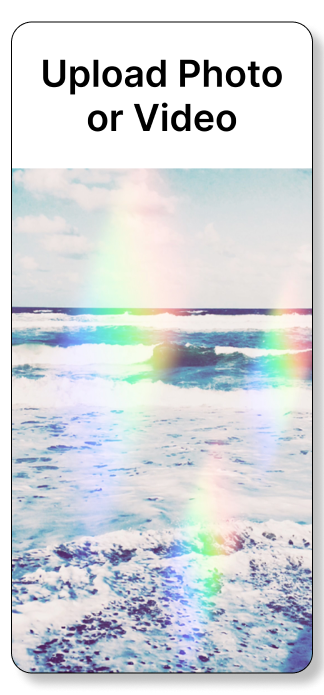
Upload photos or videos, export as videos
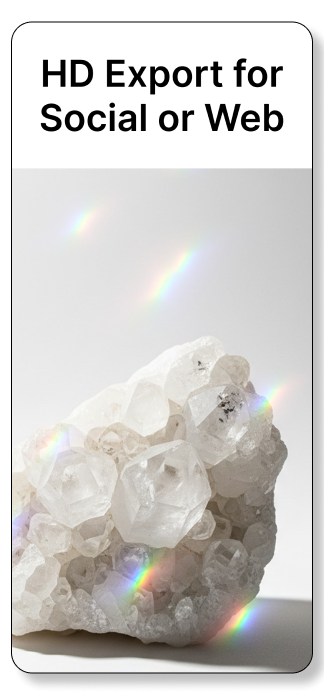
Videos export as Full HD videos - for use on websites & social media
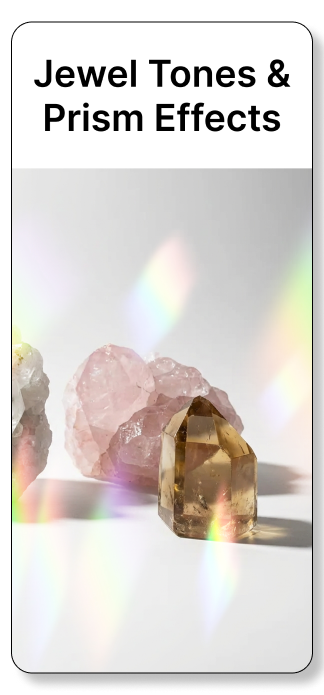
50+ colorful and vivid rainbow video filters
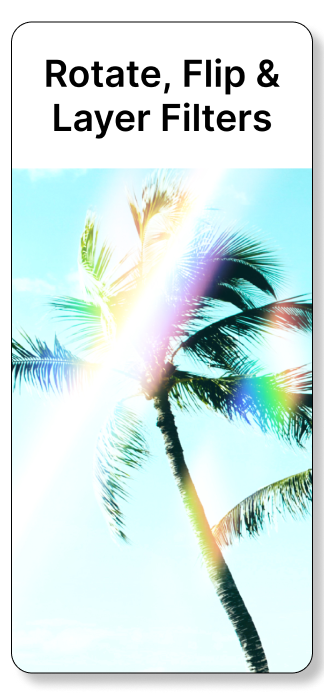
Flip, rotate & layer filters for insanely colorful video clips
Layout options include 16:9, 9:16 or 1:1
Save videos with original audio or export muted
Ad free, our apps do not collect user data
RAINBOW VIDEO CLIPS APP PREVIEW
Rainbow Video Filters and Effects • Upload Photo or Video • Export as a Short Rainbow Video Clip (.mov)
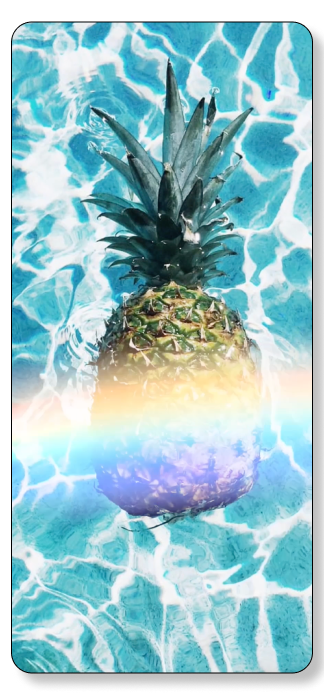
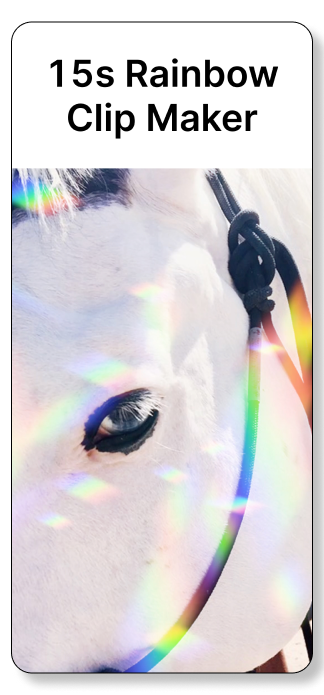
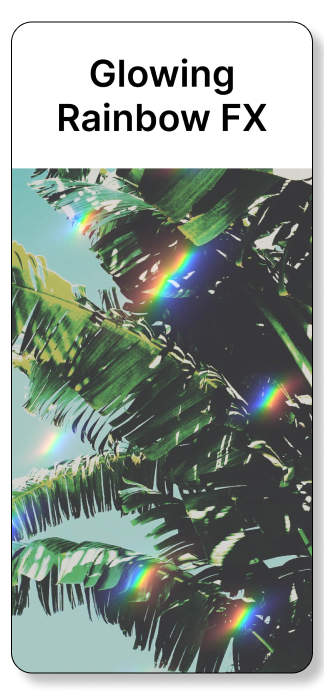
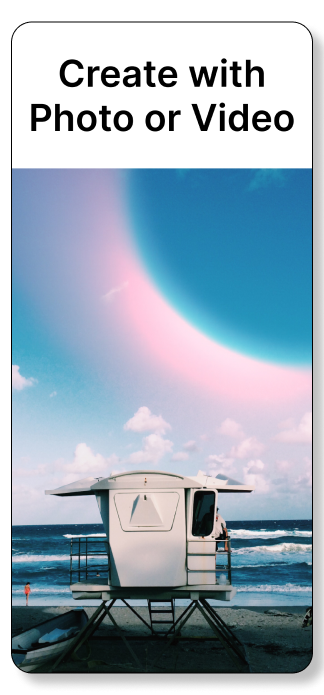
ADD RAINBOW VIDEO EFFECTS TO PHOTOS & VIDEOS
Rainbow Clip App lets you add 50+ animated rainbow effects to photos or videos to create vibrant, eye-catching clips up to 15 seconds long — perfect for social media, websites, and creative projects.
This app allows Photo to Video or Video to Video —> short clips only, less than 15s
HOW TO ADD RAINBOW EFFECTS
1. Upload a photo or video
Open Rainbow Clip App and choose a photo or video from your camera roll. Videos longer than 15 seconds are trimmed on import (you can pre-trim in the iOS Photos app).
2. Choose your layout
Select 9:16, 16:9, or 1:1 to match your original photo or video.
3. Apply a rainbow filter
Browse and add one of the app’s 50+ animated rainbow video filters.
4. Layer, rotate, or flip effects
Stack multiple filters, rotate them, or flip them to create depth, glow, and custom blends.
5. Export your clip
Unlock exporting to save and share your edit. All exports are high-definition (HD 1080px) at 32 Mbps for crisp, vibrant results.
TIPS FOR CREATING STUNNING RAINBOW VIDEO EDITS
CHOOSE THE RIGHT LAYOUT
Matching your layout to your original content preserves quality and keeps rainbow effects balanced.
Recommended uses:
9:16 – Stories, Reels, TikTok, mobile content
16:9 – Website videos, YouTube thumbnails
1:1 – Social posts, product images, web graphics
LAYER, ROTATE & FLIP RAINBOW VIDEO FILTERS
Create dreamy, ethereal color effects by combining multiple rainbow filters.
Add one filter, then layer another
Rotate or flip filters to change how they interact
Layered filters blend together to create glow, depth, and custom color patterns
Experiment freely — layering is how the most unique edits come to life.
EXPORT HIGH-DEFINITION RAINBOW VIDEO CLIPS
All videos export in HD 1080 resolution at 30 FPS using H.264 encoding:
1080 × 1920 (9:16)
1920 × 1080 (16:9)
1080 × 1080 (1:1)
Clips are up to 15 seconds, can include original audio or be muted, and are optimized for social media and websites. Enable unlimited exports with a Pass or Subscription.
FAQ
Rainbow filters and effects are commonly used in short social videos and photo edits. Below are answers to common questions about adding rainbow effects to videos with Rainbow Video Clips.
1. How do I add a rainbow effect to a video?
Open a short video in Rainbow Video Clips, preview over 60 rainbow filters for short-videos, and export the edited video clip to your iPhone. Share it on TikTok, Instagram, or other platforms.
2. Is this app good for short TikTok-style videos?
Yes. Rainbow Video Clips works well with short vertical videos commonly used for TikTok-style content and other social video platforms.
3. Does the app support vertical (9:16) videos?
Yes. The app supports vertical videos (9:16), horizontal (16:9), and square (1:1) formats for social media optimization.
4. Which app lets me add rainbow effects to my videos?
Rainbow Video Clips allows you to apply animated rainbow filters and effects to short videos quickly, with easy exporting to HD formats.
ABOUT RAINBOW VIDEO CLIPS
Rainbow Video Clips (aka Rainbow Clip) began in 2014 as Rainbow Love Deluxe, a photo-only editing app that featured rainbow filters, art, and text for images. In 2026, the app underwent a complete overhaul and was rebranded to Rainbow Video Clips to meet modern demands. Now, users can upload both photos and videos to create stunning, short 15-second video clips enhanced with motion rainbow effects. With a focus on simplicity and creativity, Rainbow Video Clips empowers users to turn everyday photos and videos into eye-catching content with just a few taps. Try it free today!
Learn about all our Rainbow Apps